
Why a Slurm job stays pending when nodes look idle
Trace a pending Slurm job through resource shape, association limits, priority, reservations and backfill without changing cluster policy to repair one submission.
“Why is my job waiting when these nodes are idle?” is a fair question. The free machines may lack the requested GPU type, sit in another partition or reservation, or offer too short a gap before higher-priority work. Show the researcher the constraint that applies to their request.
Save the original submission before canceling or resubmitting. Its effective request and scheduling history help distinguish a placement problem from a limit or priority decision.
All identifiers in these examples are illustrative. Commands inspect state; administrative changes require a separate decision about whose workload and policy they affect.
Capture a complete request
Start with a job ID and a timestamp. Ask for the exact script, submission command and any wrapper that generated them. The script alone can differ from the effective request because command-line options and environment variables may alter submission behavior.
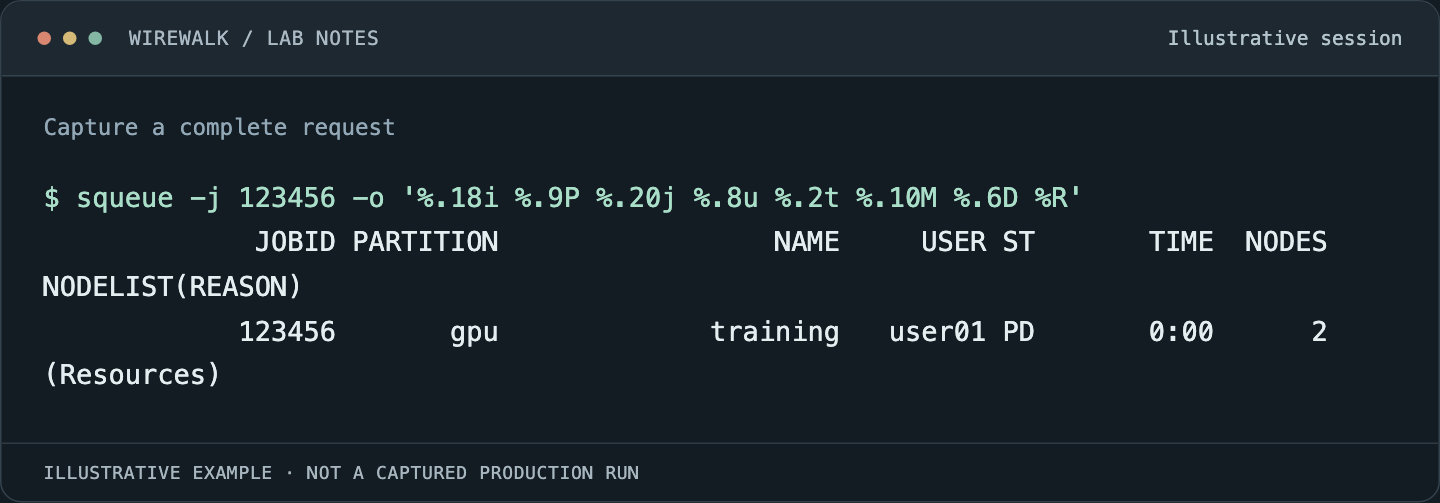
Read the illustrated session as text
$ squeue -j 123456 -o '%.18i %.9P %.20j %.8u %.2t %.10M %.6D %R'
             JOBID PARTITION                 NAME     USER ST       TIME  NODES NODELIST(REASON)
            123456       gpu             training   user01 PD       0:00      2 (Resources)
Read and copy the original commands
job=123456
scontrol show job -dd "$job"
squeue -j "$job" -o '%.18i %.9P %.20j %.8u %.2t %.10M %.6D %R'
sinfo -N -l
Record requested nodes, tasks, CPUs per task, memory, GPUs, features, partition, account, QOS, time limit, dependencies and reservations. A job asking for four GPUs on one node has a different feasible set from a job asking for four GPUs across four nodes.
Distinguish what the application needs from what the wrapper requests. Old templates often retain an exclusive-node request, a narrow node list or a feature constraint long after the original reason has disappeared.
Treat the reason code as a lead
Slurm can encounter multiple reasons that prevent a job from starting while displaying only the reason encountered by the scheduling method. The reason-code reference makes this limitation explicit.
A reason of Priority does not prove that every requested resource would otherwise be available. A reason of Resources does not identify which resource is missing. A dependency reason should lead to the upstream job and its state, rather than a search for unused CPUs.
Save more than one observation over a reasonable interval if the state is changing. Do not poll the controller several times a second. A small set of time-stamped snapshots is usually more useful than a large, noisy stream that cannot be correlated with scheduling cycles.
Build a resource-shape table
For a generic GPU job, compare the request with the eligible nodes:
| Dimension | Question to answer |
|---|---|
| Partition | Is the node in a partition the job may use? |
| CPU and memory | Can both fit on the same eligible node? |
| GPU | Do count, type and sharing mode match? |
| Features | Does the node satisfy the full constraint expression? |
| Time | Is there a long enough usable interval? |
| State | Is the node available, drained, reserved or completing work? |
Eight unused GPUs spread over eight hosts cannot satisfy a single-node request for eight GPUs. Likewise, idle cores do not help if another allocation has consumed the node’s schedulable memory. Aggregate dashboards hide these combinations.
Use controller-visible resources for the first comparison. A host’s physical inventory can differ from what the scheduler advertises. If those disagree, investigate registration and configuration as a separate fault rather than changing the user’s request to conceal it.
Follow account and QOS limits
A user may belong to the right project and still hit an aggregate limit because other jobs in that association are consuming the allowance. Per-job limits and aggregate limits require different remedies.
For an administrator with suitable visibility:
sacctmgr show assoc where user=researcher
sacctmgr show qos
scontrol show partition research
These names are placeholders. Interpret inheritance, partition-specific associations and configured enforcement using the installed resource-limits guide. Do not assume an empty field means unlimited at every level.
Compare the pending job with running jobs charged to the same account and QOS. If an aggregate GPU allowance is exhausted, reducing an unrelated CPU request will not help. If the request exceeds a maximum time limit, waiting longer will not make it eligible.
A useful support response names the exact limit, its scope and the next event that would free capacity. Changing QOS globally to start one job is a policy change affecting other researchers, not a routine diagnostic step.
Explain priority without promising a start time
Where multifactor priority is used, inspect its components:
sprio -j 123456 -l
sshare -l
A site’s weights determine how age, fair share, size and other factors contribute. A high numeric priority is not a universal queue position across different partition tiers, reservations and eligibility conditions. The multifactor guide describes the evaluation order and available factors.
Explain the result in language tied to the job: it is eligible, but other eligible work is evaluated first under the site’s policy. Avoid telling a user that fair share is a fixed personal credit balance or that a particular elapsed wait guarantees dispatch. Both claims can create expectations the configured scheduler does not support.
Understand why backfill cares about wall time
Backfill looks for work that can use otherwise idle capacity without delaying protected higher-priority work. A short request may fit an available interval when a long request cannot. That does not mean users should understate runtime. A job killed at its time limit has exchanged queue delay for lost computation.
Use a defensible time estimate from representative runs. If the application can checkpoint and resume, consider smaller meaningful work units. If it cannot, request the time it needs and explain the placement consequence.
A predicted start can be inspected with:
squeue --start -j 123456
Treat the result as a scheduling estimate. New submissions, job completion times, reservations and policy can change it. The scheduling guide explains why event-driven scheduling and backfill can produce different observations during the same investigation.
Use a smaller diagnostic request carefully
A reduced test can identify which dimension matters. For example, a short one-GPU test may establish that the account and partition are usable, while the original multi-node request still cannot fit. Change one dimension at a time and label the new job as a diagnostic experiment.
Do not submit a large array of probes. It burdens scheduling and can trigger new limits. Do not use a successful tiny job as proof that the original request is valid; the original may require a particular topology or concurrent resource set.
Once the constraint is understood, offer a choice the researcher can evaluate: wait for the required resource shape, use a compatible partition, correct a stale constraint or restructure the work if the science allows it. Each option should preserve the application’s actual requirements.
Close with an explanation that can be checked
A good pending-job report contains the effective request, the blocking constraint, the observations that support it and the expected next condition. It distinguishes invalid requests from eligible jobs waiting under policy.
If the investigation finds a scheduler fault, preserve the controller version, relevant configuration and bounded logs before changing anything. If the scheduler is behaving as configured, document that behavior clearly. Explain which event or request change would make the job eligible to start. If a policy change is needed, make that a separate decision for the people who share the cluster.
Read next: Advanced Slurm setup: prove CPU, memory and GPU isolation before admitting jobs, Reading Slurm accounting without fooling yourself about efficiency.