
NFS nconnect: test connection parallelism without mistaking it for a storage upgrade
Evaluate Linux NFS connection parallelism with controlled mount state, RPC evidence and application measurements, while preserving the workload’s durability and access requirements.
Increasing the number of NFS transport connections can help a client expose more useful parallelism. It cannot make a serial application issue concurrent requests, remove a server-side metadata bottleneck or turn one busy disk into a faster storage system.
Treat nconnect as a client-path experiment. Establish what the workload is waiting for, compare supported connection counts under controlled mount conditions, and retain the configuration only if the measured benefit survives a realistic application test.
Identify the workload before choosing a mount option
Separate large sequential reads, random small-file access, metadata discovery and checkpoint writes. They place different demands on NFS and may need different experiments. Record process count, outstanding I/O, file sizes and whether the application synchronizes writes.
Measure the current service as an ordinary user. Root access can bypass an identity or permission problem that dominates the real workflow. Preserve the NFS version, transport, security flavor and mount options with the baseline.
The Linux nfs manual documents connection-related options and their limits. Confirm support in the deployed distribution kernel and server combination. An option accepted by one client’s tooling is not a general support statement for every NFS implementation.
Keep transport parallelism distinct from application parallelism
More connections create additional transport paths between a client and server. The application still needs enough useful outstanding work to occupy them. A single synchronous operation followed by computation may leave extra connections mostly unused.
NFS version, RPC behavior, server limits and the client’s existing transport state can affect the outcome. Do not equate a requested connection count with that many independently busy lanes. Inspect the effective mount and transport observations using tools supported by the installed client.
Also distinguish connections from network interfaces. Multiple TCP connections do not by themselves establish multiple physical paths, balanced link utilization or server failover. Verify the routing and server architecture separately if those are part of the requirement.
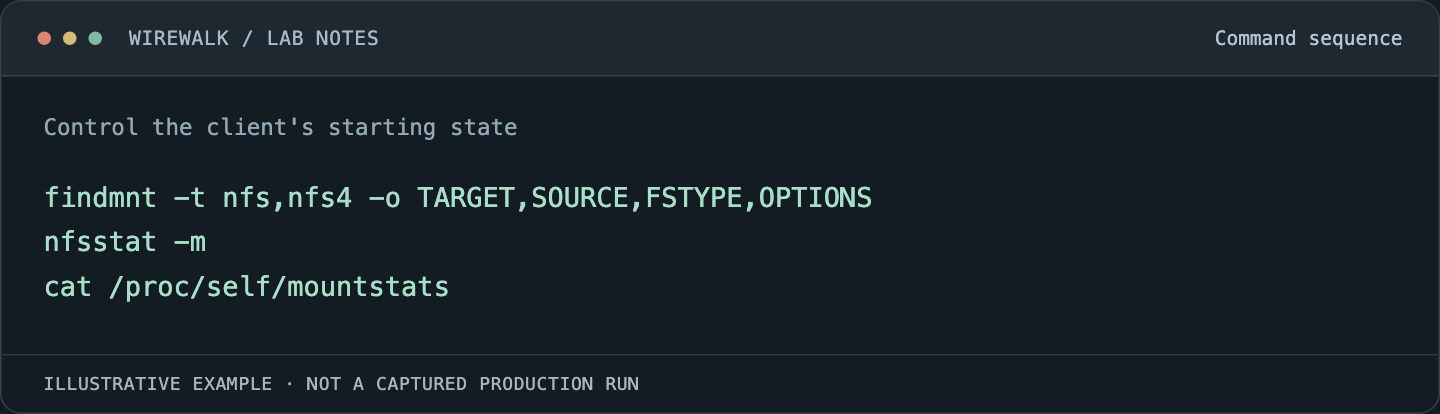
Control the client’s starting state
Use a dedicated test client or an approved maintenance window. Record all related mounts to the server and consult the distribution’s guidance on transport sharing and option interactions. A remount or a second mount point should not be assumed to create a clean transport experiment.
Do not unmount a filesystem under active research processes merely to reset a benchmark. Locate users of the mount, arrange a safe boundary and retain a rollback configuration. A spare client is often cheaper than trying to untangle a live client’s accumulated state.
Useful read-only observations include:
Read and copy the example as text
findmnt -t nfs,nfs4 -o TARGET,SOURCE,FSTYPE,OPTIONS
nfsstat -m
cat /proc/self/mountstats
Save the outputs with timestamps and use interval differences for cumulative statistics. The nfsstat reference explains the available client and mount views. These commands describe observed state; none proves that an application has enough concurrency to benefit.
Build a small comparison matrix
Test a modest set of supported connection counts rather than every possible number. Keep the server, export, dataset, client CPU placement and application concurrency fixed. Repeat selected runs in different orders to expose cache warming and background interference.
Collect end-to-end application rate, CPU use, RPC latency, retransmission evidence and server-side load where available. Separate client execution delay, network delay and server service time according to what the installed statistics actually measure. A field name that sounds like latency may include waiting outside the server.
For a hypothetical result, doubling connections may improve a multi-process sequential read but leave a directory scan unchanged. That supports using the option for the first workload if it remains stable. It does not justify a fleet-wide claim that NFS became twice as fast.
Preserve correctness-related mount behavior
Change one connection-related variable at a time. Keep security, cache-consistency and error-handling semantics fixed unless the experiment specifically concerns them. Comparing a durability-preserving baseline with an unsafe shortcut confuses two different decisions.
A filesystem used for research outputs must handle failures according to the application’s requirements. Do not choose a timeout or error-return policy merely because it makes a benchmark finish promptly during an outage. Review the documented semantics and validate the application’s response to partial or failed I/O.
Include a write-and-readback test with meaningful integrity checks. If the workflow relies on a completion marker, verify the operations that make it visible and durable in the intended failure model. Connection parallelism does not replace that protocol.
Look for the next bottleneck
An improvement can move pressure elsewhere. More outstanding requests may increase server CPU use or lengthen another client’s latency. Test a neighboring workload and measure the server’s behavior before accepting the new setting for a shared environment.
If the application remains slow, compare its timeline with the transport observations. High data throughput can coexist with slow startup caused by file discovery. Low wire utilization can result from CPU decoding or a serialized application loop. Those patterns call for different changes.
For NVIDIA training jobs, measure samples or steps completed as well as NFS bytes. Faster storage reads do not guarantee that the GPU sees batches sooner if preprocessing remains the limiting stage.
Roll out the measured configuration
Keep the original mount definition and a tested way to restore it. Apply the selected setting to a small set of clients, observe ordinary jobs and check reconnect behavior during a planned service event where feasible.
Record kernel and client-package versions with the result. Repeat qualification after changes that can affect the transport path. The useful outcome is a known client configuration for a defined workload, with an explanation of why it helps and where it does not.
For a wider server-side investigation, see PowerScale NFS performance troubleshooting. Connection tuning belongs inside that larger workload and service picture.