
Slinky on Kubernetes: operate Slurm without losing track of state, nodes and jobs
Deploy a release-pinned Slinky Slurm cluster with explicit controller persistence, accounting, identity and GPU boundaries, then debug both Kubernetes and Slurm state.
Putting Slurm in Kubernetes gives the Slurm services a different operating environment. It does not remove the familiar work of protecting controller state, matching user identities, validating compute nodes and investigating jobs that will not start.
The difficult incidents often cross the boundary: Kubernetes reports a running pod while Slurm considers its node unavailable, or the controller restarts cleanly against the wrong storage. A useful deployment plan makes both control systems visible.
This guide uses Slinky Slurm Operator v1.0.3 as a fixed baseline. Its purpose is a deliberately small research cluster that can be expanded after persistence, scheduling and recovery have been demonstrated. Check the chart, CRDs and Slurm image versions together; features from later operator releases should not be assumed to exist here.
Decide which scheduler owns the workload
Describe the intended flow before installing anything. Kubernetes schedules the operator and Slurm service/worker pods. Slurm admits and schedules the jobs submitted to its cluster. Capacity occupied by a Slurm worker pod and resources allocated to a Slurm job are related observations, not interchangeable counts.
Define the worker pool and its GPU ownership. Do not let another GPU scheduler independently promise the same capacity to unrelated workloads. If the platform shares nodes, qualify the resource partitioning and failure behavior explicitly.
Slinky is one way to run a Slurm environment on Kubernetes. It is not equivalent to translating every existing Slurm job into a native Kubernetes Job. The broader Slurm and Kubernetes resource-ownership guide explains why that distinction matters operationally.
Pin the operator, CRDs and cluster chart
The v1.0.3 installation guide separates the operator, CRDs and Slurm cluster. Use a written version inventory and retain the chart packages or digests used for the qualification.
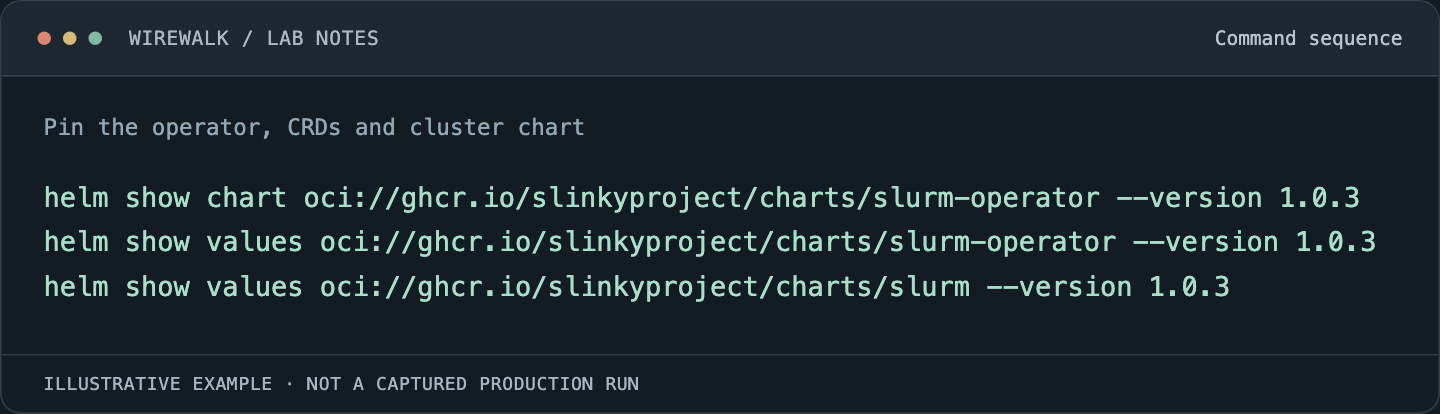
Before installing, inspect the selected chart values and rendered resources. Set the namespace, storage choices and resource requests deliberately. The following commands inspect the pinned chart without deploying it:
Read and copy the example as text
helm show chart oci://ghcr.io/slinkyproject/charts/slurm-operator --version 1.0.3
helm show values oci://ghcr.io/slinkyproject/charts/slurm-operator --version 1.0.3
helm show values oci://ghcr.io/slinkyproject/charts/slurm --version 1.0.3
The tagged Slurm chart identifies chart 1.0.3 and Slurm app version 25.11, with a Kubernetes minimum constraint of 1.29. These are chart metadata, not a complete platform support matrix. Confirm that these chart versions are available in your registry mirror. Installation requires the selected certificate-management approach and RBAC review. The baseline documents cert-manager and an alternative chart setting; choose one tested approach rather than mixing certificate ownership.
For an approved canary, after satisfying the certificate and storage prerequisites, the separate-release installation pattern is:
helm install slurm-operator-crds oci://ghcr.io/slinkyproject/charts/slurm-operator-crds \
  --version 1.0.3
helm install slurm-operator oci://ghcr.io/slinkyproject/charts/slurm-operator \
  --version 1.0.3 --namespace slinky --create-namespace \
  --values operator-values.yaml
helm install slurm oci://ghcr.io/slinkyproject/charts/slurm \
  --version 1.0.3 --namespace slurm --create-namespace \
  --values slurm-values.yaml
The values files are locally prepared deployment inputs, not files supplied by this article. Inspect them and render the charts first. This pattern uses the separate CRD release; do not also enable the CRD subchart unintentionally. Establish operator readiness before installing the Slurm cluster release.
Keep CRD lifecycle explicit. A Helm release rollback does not establish that every schema or persisted custom resource has returned to its earlier state. Review the supported upgrade process and preserve resource manifests before changing versions.
Protect controller state before submitting real work
Choose the controller’s storage class, capacity, access behavior and recovery procedure. The baseline exposes controller.persistence.storageClassName; relying on whichever default StorageClass happens to exist makes a later rebuild less predictable.
Inspect the resulting PVC and its backing storage. Record reclaim policy, snapshot capability, backup ownership and restore steps. A bound claim proves allocation, not that the controller can recover after a failed node or storage interruption.
Accounting is a separate concern. If using the documented MariaDB integration, protect its persistent data and credentials independently. A controller-state backup and an accounting-database backup serve different purposes. Test a coordinated recovery in an isolated environment, with the versions and expected loss window written down.
Do not use deletion of a PVC as a routine response to a startup problem. First identify whether the issue is mounting, permissions, capacity, incompatible state or incorrect configuration. Preserve the failed state for diagnosis.
Validate identity, storage and GPU boundaries
Confirm consistent numeric user and group identities between login, worker and shared-storage contexts. A username displayed correctly in a shell is not enough if the UID reaching a dataset differs. Submit a small job that creates a file and inspect ownership from the intended access points.
Mount research data and scratch storage with deliberate semantics. Test creation, rename, permissions and restart behavior before a large MPI or training job. Shared paths also need consistent visibility across ranks.
For GPU workers, validate Kubernetes device allocation first, then Slurm’s view and finally a submitted job. Make sure the worker configuration exposes the intended GPU count and type to Slurm. A GPU visible to the pod should not be counted twice through an inconsistent GRES configuration.
Use a one-GPU diagnostic job to record device identity and a small computation. Follow with a multi-node communication test if that is part of the intended service. An accessible GPU does not prove a compatible MPI/RDMA userspace or a correctly selected network.
Debug Kubernetes and Slurm in the same timeline
Start with read-only Kubernetes evidence:
kubectl -n slinky get pods
kubectl -n slurm get pods,pvc
kubectl -n slurm get events --sort-by=.metadata.creationTimestamp
Select the actual failing pod and container before collecting logs. Avoid treating all restarts as the same problem: image pulls, admission rejection, volume mounts, health checks and operator reconciliation each have different evidence.
From the configured Slurm login environment, inspect:
sinfo -Nel
squeue
scontrol show nodes
Align the timestamps. A pending job may have a valid Slurm scheduling reason even while Kubernetes is healthy. A worker pod stuck Pending may explain why the Slurm node never becomes available. A running worker pod with a Slurm registration error calls for its daemon configuration and logs, not a larger Kubernetes node pool.
For a specific job, record its requested resources, partition, constraints, state and reason. Check identity and storage access under the submitting user. For a failing distributed step, collect the earliest rank failure rather than only the final cancellation message.
Scale only after a recovery exercise
Test a small scale-up, observe worker registration, then run a job that requires the added capacity. Measure elapsed time from the scaling request to usable Slurm capacity. Kubernetes pod creation is only an intermediate milestone.
For scale-down, verify the release’s documented handling and perform a controlled test with a disposable job. Do not assume removing a worker is safe merely because the pod is managed by an operator. Determine how running jobs, node draining and replacement interact in the qualified configuration.
Exercise controller-pod replacement and a worker failure separately. Confirm job state, accounting continuity and the fate of partial output. Include a checkpointed workload and verify restart from a checkpoint whose completeness was established, rather than from the newest filename alone.
Monitor usable capacity and research progress
Keep operator reconciliation, pod health, PVC health and Slurm scheduling metrics in separate views that share timestamps. Alert when desired worker capacity does not become usable in Slurm within the measured startup window.
Track queued-job reasons, unavailable nodes, job failures, time to allocation and step duration. For GPU jobs, combine scheduler allocation with device telemetry; an allocated GPU can be waiting on input, network synchronization or another rank.
If enabling the chart’s documented metrics integration, verify the required monitoring components and actual scrape targets. An enabled chart value does not prove that Prometheus discovered the target, that samples are fresh or that labels identify the correct cluster. Avoid importing dashboards that depend on metrics introduced in a later Slurm version.
Keep upgrades small enough to explain
Save the qualified chart values, rendered resources, Slurm configuration, image digests and recovery test outputs. Upgrade the canary before the research pool and rerun the same job and persistence tests.
Define rollback in terms of both Kubernetes objects and Slurm state. If a state-format change prevents a simple downgrade, a Helm rollback command alone is not a recovery plan. A short, demonstrated maintenance procedure is more valuable than an elaborate plan that has never restored a job.
Wirewalk’s HPC infrastructure work includes scheduler design, storage and GPU integration, and the tests that establish whether a rebuilt environment is ready for research.