
NVIDIA MIG with Slurm: make GPU profiles a reliable scheduling contract
Qualify fixed MIG layouts, device isolation, profile naming and accounting before offering GPU slices to research users through Slurm.
A small GPU job may need only a fraction of a large accelerator’s memory and compute capacity. NVIDIA Multi-Instance GPU can make that capacity useful to more researchers, but only if the scheduler’s description matches the instances that exist on the node.
The difficult part is maintaining that agreement across boot, driver changes and container launches. Treat a MIG layout as a qualified node configuration. A user asking for one GPU slice should receive a known resource, not whichever profile happened to be left by the previous maintenance session.
This discussion focuses on established A100 and H100-era MIG operation. Profiles, enumeration and communication capabilities vary with GPU generation and driver release; do not transfer one platform’s behavior to another without testing it.
Start from the workload’s memory requirement
Measure peak device memory for a representative run, including initialization, evaluation and checkpoint operations. A model that fits during steady-state training may fail when evaluation uses a different batch or an optimizer allocates additional state.
Choose profile candidates from the supported combinations on the actual GPU. Profile names are not interchangeable between devices with different memory capacities. Preserve the NVIDIA-reported name, driver version and instance inventory in the qualification record.
NVIDIA’s MIG deployment guide describes platform-dependent mode and reset considerations. Establish whether the mode and configured instances survive the lifecycle events your site uses. A reboot test matters even if the previous node seemed persistent.
Keep partitioning outside ordinary job startup
The Slurm GRES guide describes treating preconfigured MIG instances as GPU resources. Its MIG support expects the instances to exist; the ordinary scheduling mechanism is not a dynamic partition planner.
Drain a node before changing a qualified layout. Stop affected clients through the supported maintenance process, configure the intended profiles, then reconcile the inventory with Slurm before admitting jobs. Running a profile-changing command in a user’s prolog creates races between jobs and makes failure recovery harder to explain.
Maintain explicit node classes if the service offers different layouts. A whole-GPU training node and a node serving smaller independent workloads have different admission tests. Keeping a few stable classes is often easier to operate than promising arbitrary combinations for every submission.
Validate discovery before writing resource names
Read the device inventory on the node:
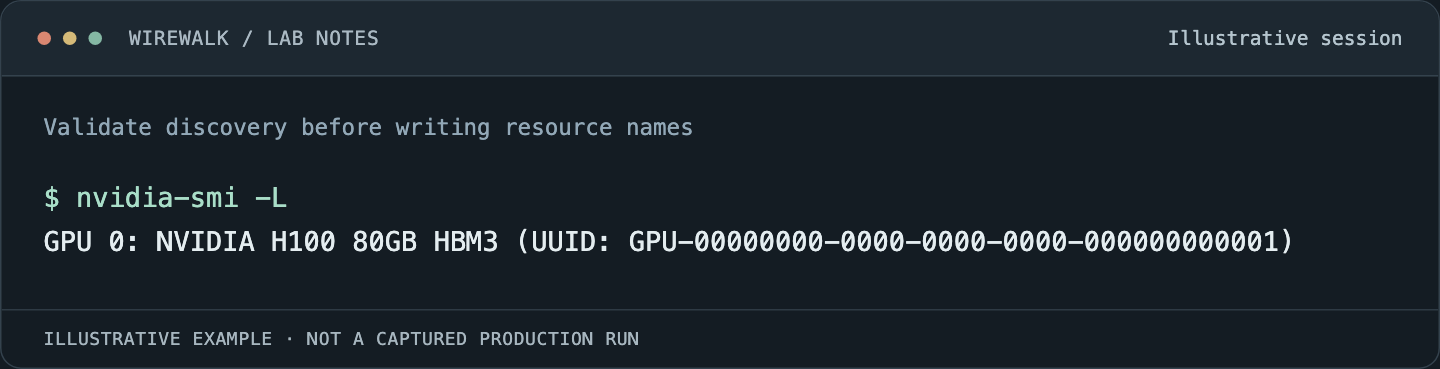
Read the illustrated session as text
$ nvidia-smi -L
GPU 0: NVIDIA H100 80GB HBM3 (UUID: GPU-00000000-0000-0000-0000-000000000001)
Read and copy the original commands
nvidia-smi -L
nvidia-smi --query-gpu=name,uuid,driver_version --format=csv
slurmd -G
Run slurmd -G in the configured node environment with the permissions appropriate to the site; it tests and prints GRES information rather than proving an allocation can use it. Review its diagnostics, including ignored devices and mismatches.
Use the supported NVML-based discovery and profile-type rules for the installed Slurm version. Do not invent a friendly type string and assume discovery will match it. Confirm what users should request, what scontrol show node advertises and which profile a real task receives.
Test isolation through the launch path
Run two allocations concurrently on separate instances. In each, record visible devices and execute a small workload that allocates and uses the assigned GPU memory. Confirm that one job cannot open the other’s device through the access paths available to an ordinary user.
Repeat inside the supported container runtime. Environment variables that restrict visibility are not a substitute for device-access enforcement. The scheduler, cgroups, NVIDIA capability devices and runtime integration must agree on the resource boundary.
Ask for more memory than the profile provides in an intentionally bounded test. The expected result is a contained application failure, with the neighboring allocation still operating correctly. This is a useful negative test; it is not a recommendation to stress production users’ instances.
Keep accounting limitations visible
An allocation record and a utilization measurement answer different questions. Slurm documents limitations in GPU utilization and memory accounting for MIG through its NVML path. Do not turn missing per-instance measurements into zeros or conclude that a scheduled instance was idle.
Design dashboards around what the installed monitoring stack actually supports. Record stable parent-GPU identity as well as the current instance identity. Recreating instances can change identifiers; joining historical measurements by a transient index alone can assign yesterday’s workload to today’s instance.
Use application completion and elapsed time to evaluate whether the service helps users. A high count of allocated slices is not sufficient evidence of useful throughput, especially if profiles are too small and jobs repeatedly fail or reduce batch size excessively.
Test the research workflow, including its limits
A single-device notebook, independent inference jobs and tightly coupled multi-GPU training impose different requirements. Validate the exact CUDA, framework and communication-library combination for the intended workload. MIG’s supported communication behavior has changed across software and hardware generations, so a blanket promise about peer access or collective support is inappropriate.
Include restart, checkpoint load and ordinary job cleanup in the acceptance test. After an allocation ends, confirm that its processes are gone and the next user receives a clean resource. Where site policy requires additional isolation, assess that policy independently of the profile’s capacity partitioning.
Finally, reboot the drained canary and repeat discovery and one real allocation. Save the successful layout, manifests and scheduler configuration as a release unit. That turns MIG from a one-time partitioning exercise into a service whose behavior researchers can plan around.
For whole-node enforcement checks, see Slurm CPU, memory and GPU isolation.